
Environment Factory

The Environment Factory is a single endpoint in your backend that creates isolated test data before each test run and cleans it up afterward - by calling the same functions your app already uses to create that data.
Why it exists
Before Autonoma can run an end-to-end test, it needs two things:
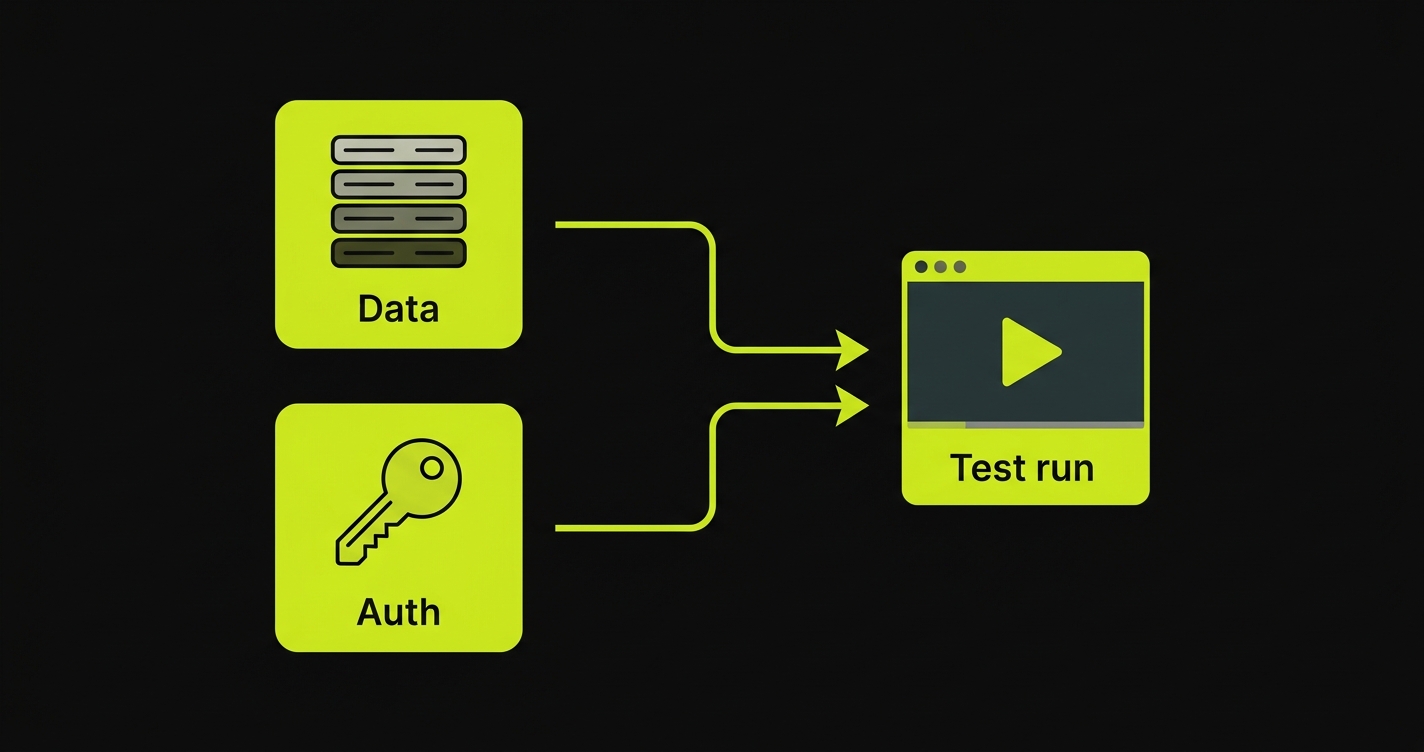
- Data - a user account, an organization, whatever records the test scenario expects.
- Auth - a way to log in as that user (a session cookie, a bearer token, or credentials).
The Environment Factory provides both, on demand, for every run. When the test finishes, it deletes exactly what it created so the next run starts clean.
Reuse your real code, don’t reinvent it
Here’s the key idea. Say your app creates users through a createUser(email, password) function that hashes the password, provisions a default workspace, and fires a welcome email. You could seed a test user by inserting a row directly into the database - but that row would have a plaintext password, no workspace, and no side effects. Your tests would be testing something your app never actually produces, and they’d break the moment that logic changed.
The Environment Factory avoids this entirely. You register a factory that calls your real createUser - so test data is created by the exact same code path as production data. Password hashing, default records, hooks: you get all of it for free, and it stays correct as your app evolves.
Step through a factory below - it reuses your create function, cleans up after itself, and signs the agent in:
In one piece, that’s the whole setup - a factory that calls your real code, plus an auth callback:
createHandler({ scopeField: 'organizationId', factories: { User: defineFactory({ inputSchema: UserInput, create: (data) => userService.create(data), // reuse your real create teardown: (record) => userService.delete(record.id), // clean up after }), }, auth: (user) => ({ headers: signIn(user) }), // sign the agent in})The three actions
Everything happens through one POST endpoint that responds to three actions:
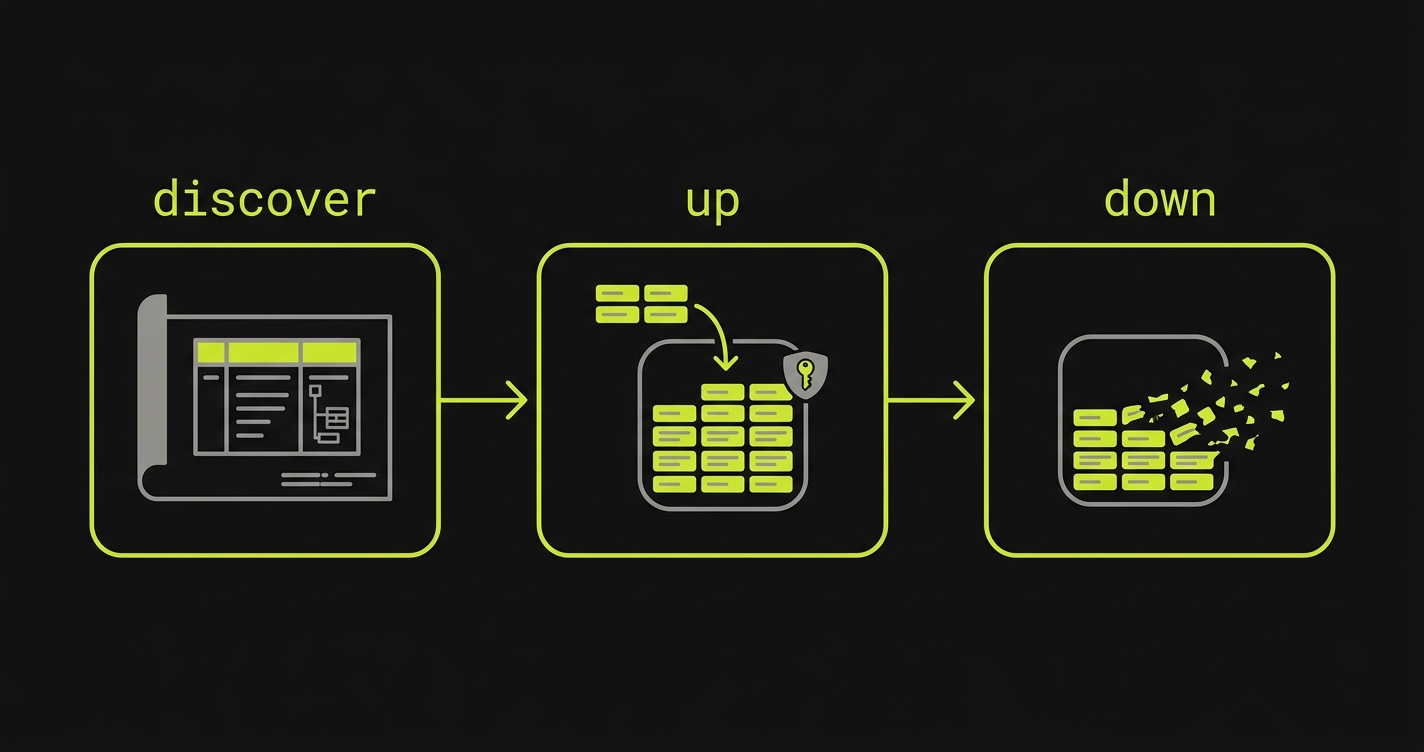
| Action | When it runs | What it does |
|---|---|---|
| discover | When Autonoma connects | Returns your schema, derived from your registered factories |
| up | Before each test run | Creates isolated data and returns auth credentials |
| down | After each test run | Verifies a signed token and deletes only the data up created |
You provide three things - a scope field (how data is scoped to a tenant), a set of factories (one per model), and an auth callback (how to log in). The SDK handles everything else: it reads the dependency graph from each request, creates records in the right order, validates every input, signs the teardown token, and runs the full lifecycle.
Get started
Install the SDK, create the endpoint, wire up auth, and register your factories - end to end.
Full endpoints for TypeScript, Python, Elixir, Java, Ruby, Rust, Go, and PHP.
Once you understand the shape, go deeper on the parts that matter most:
How records link with _alias / _ref, and how dependents and teardown work.
The three auth patterns - session cookies, bearer tokens, and credentials.
The two secrets, three security layers, error codes, and common fixes.