
Extra services
Extra services are extra Docker images that aren't databases: things like MinIO for object storage, a mock API server, a Mailpit inbox, or an OpenTelemetry collector that run alongside your app in every preview. They're optional - most projects never need one.
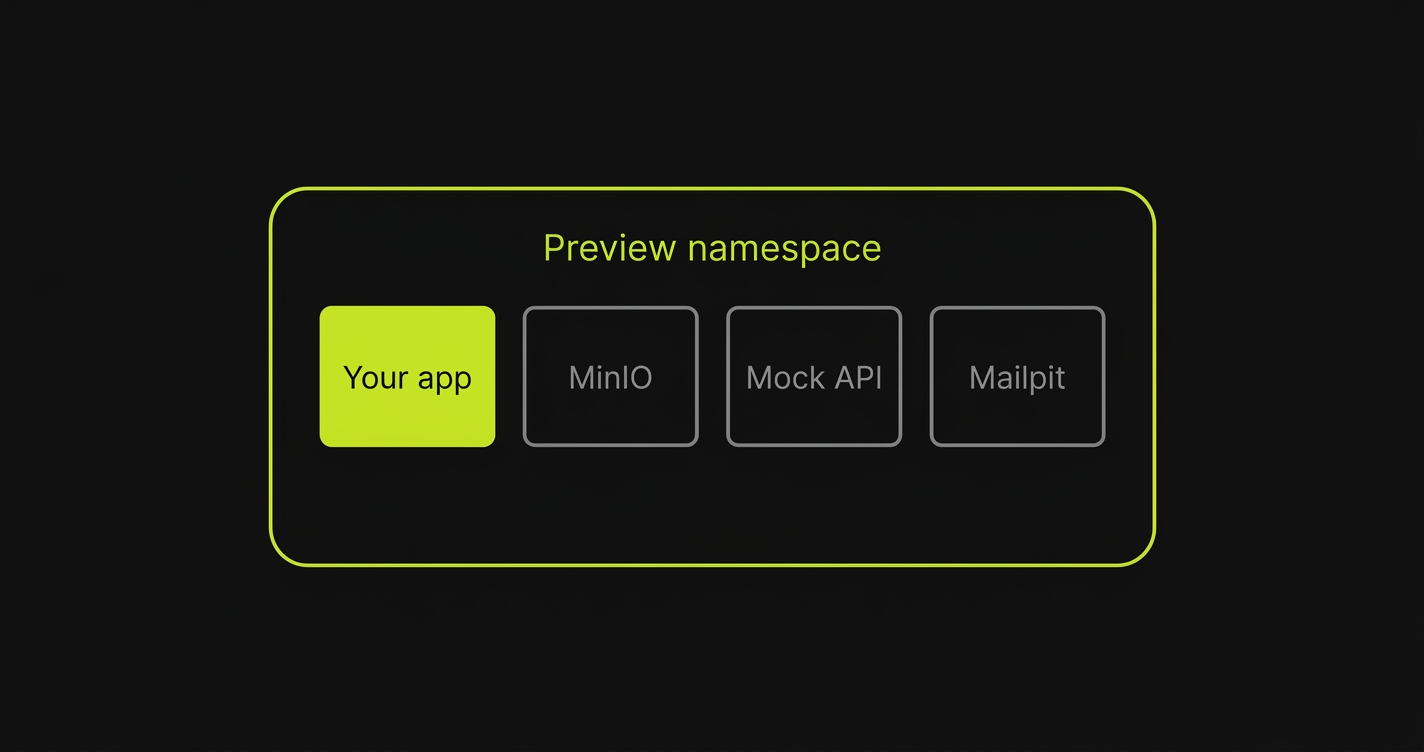
This step is optional. You don’t have to add anything here to complete onboarding. Only add an extra service if your app genuinely depends on a non-database side container running next to it.
When to add an extra service
An extra service is any container your app needs that isn’t your app and isn’t a backing store. If your app talks to it over the network in a preview - and it’s not Postgres, Redis, or another database - it belongs here.
Common examples:
- MinIO - S3-compatible object storage, so uploads and file handling work in the preview.
- Mock API server (WireMock, Mockoon) - stubs a third-party API your app calls so previews don’t hit the real one.
- Mailpit - captures outbound email so tests can inspect it.
- OpenTelemetry collector - receives traces and metrics from your app.
- nginx - a reverse proxy or static file server in front of your app.
You can add several. If nothing on this list resembles your setup, skip the step.
Configuring an extra service
Each extra service is one Docker image with a few fields:
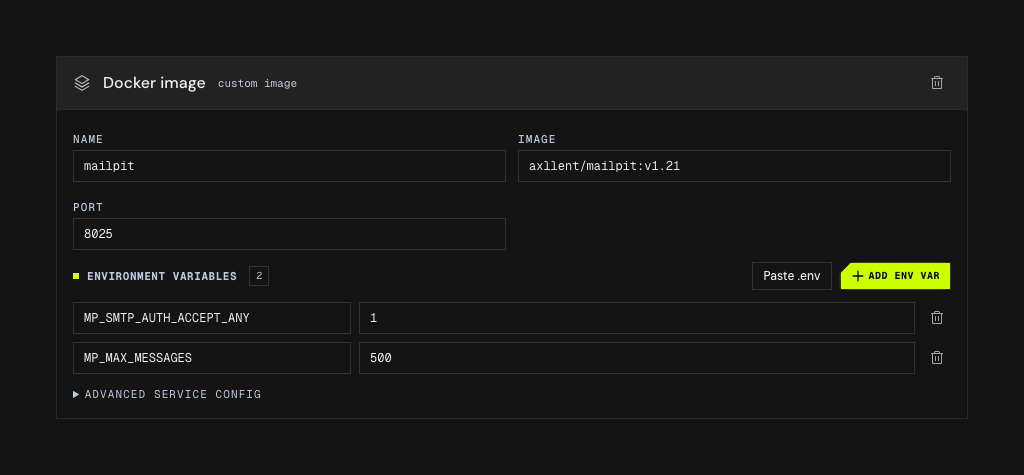
The env-var block takes a whole .env at once if you have one, and the rest of the fields stay out of the way behind the collapsed disclosure until you need them.
| Field | What it does |
|---|---|
| Image | The Docker image to run, e.g. axllent/mailpit or otel/opentelemetry-collector. |
| Port | The port or ports the service listens on, so your app and other services can reach it. |
| Environment variables | Config passed into the container. Use Add env var for each key/value pair the image needs. |
Set whatever the image expects through Add env var - a DSN, a collector config path, an SMTP hostname.
Add a service, fill in its image, ports, and any env vars, and repeat for each one your app depends on.
Advanced service config
Most images need only an image, a port, and a few env vars. When one needs more, the Advanced service config section exposes the rest:
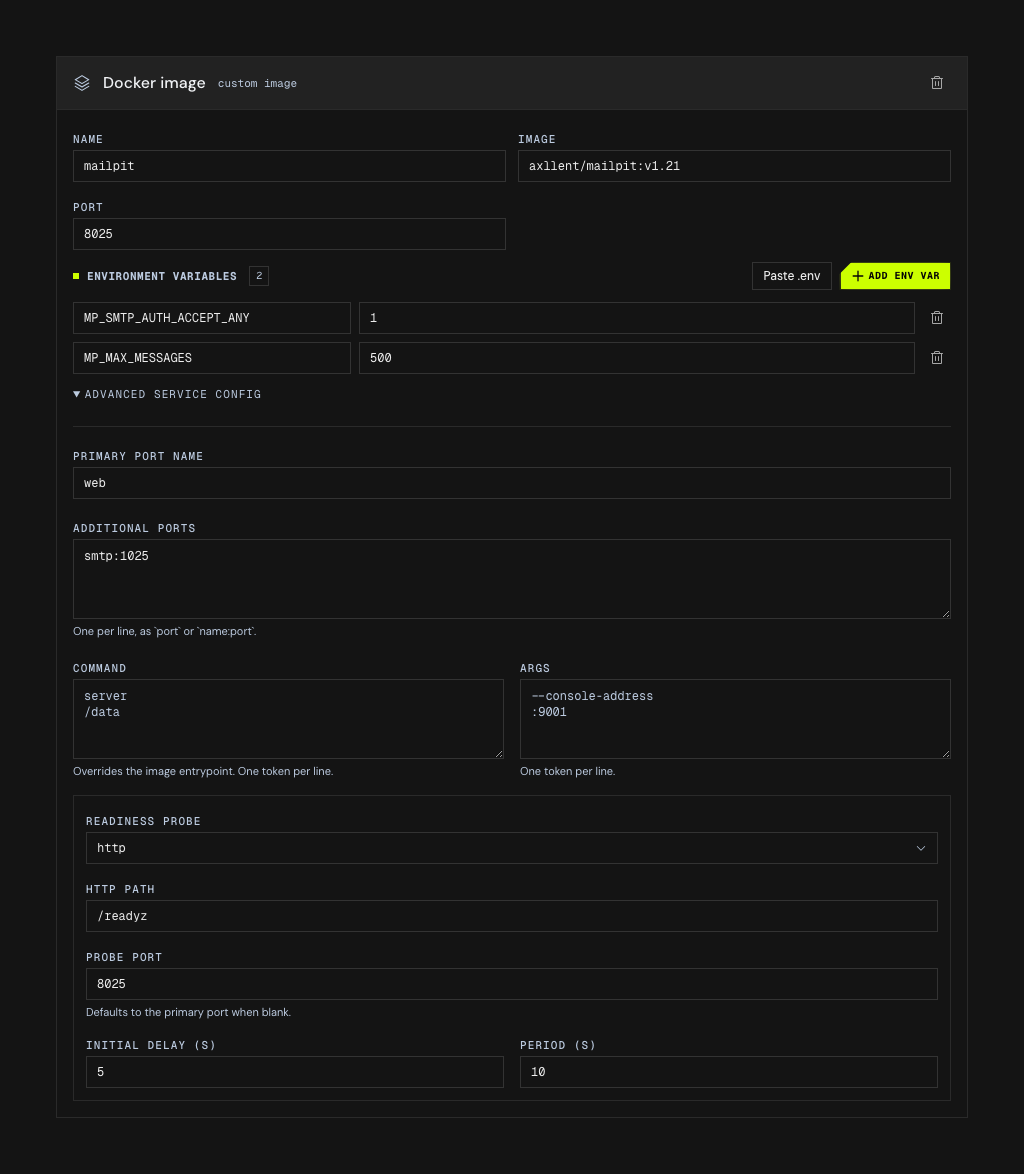
The readiness probe’s fields depend on the kind you pick - HTTP asks for a path, Exec asks for a command, TCP asks only for a port - so the section changes shape as you choose.
| Field | What it does |
|---|---|
| Primary port name | Names the main port (defaults to primary), for when a service references it by name. |
| Additional ports | Extra ports the container exposes, one port or name:port per line (e.g. metrics:9090). |
| Command | Overrides the image entrypoint, one argument per line. |
| Args | Arguments passed to the entrypoint, one per line. |
| Readiness probe | How the preview decides the service is up - HTTP (a path), Exec (a command, one argument per line), or TCP (a port). Set an optional initial delay and period in seconds; a blank probe port reuses the primary port. |
Not for databases
Databases - Postgres, MySQL, MongoDB, Redis / Valkey - are not extra services. They live in their own required Databases step, where Autonoma provisions and wires them for you, with guided setup for schema, seed data, and migrations. Reach for extra services only when you need a side container that a database step can’t provide.